
TRIGGERICONGuide
How to get more customers using Google Business Profile in Canada (2026 guide)
 By TRIGGERICON team
Published 6 min read
By TRIGGERICON team
Published 6 min read
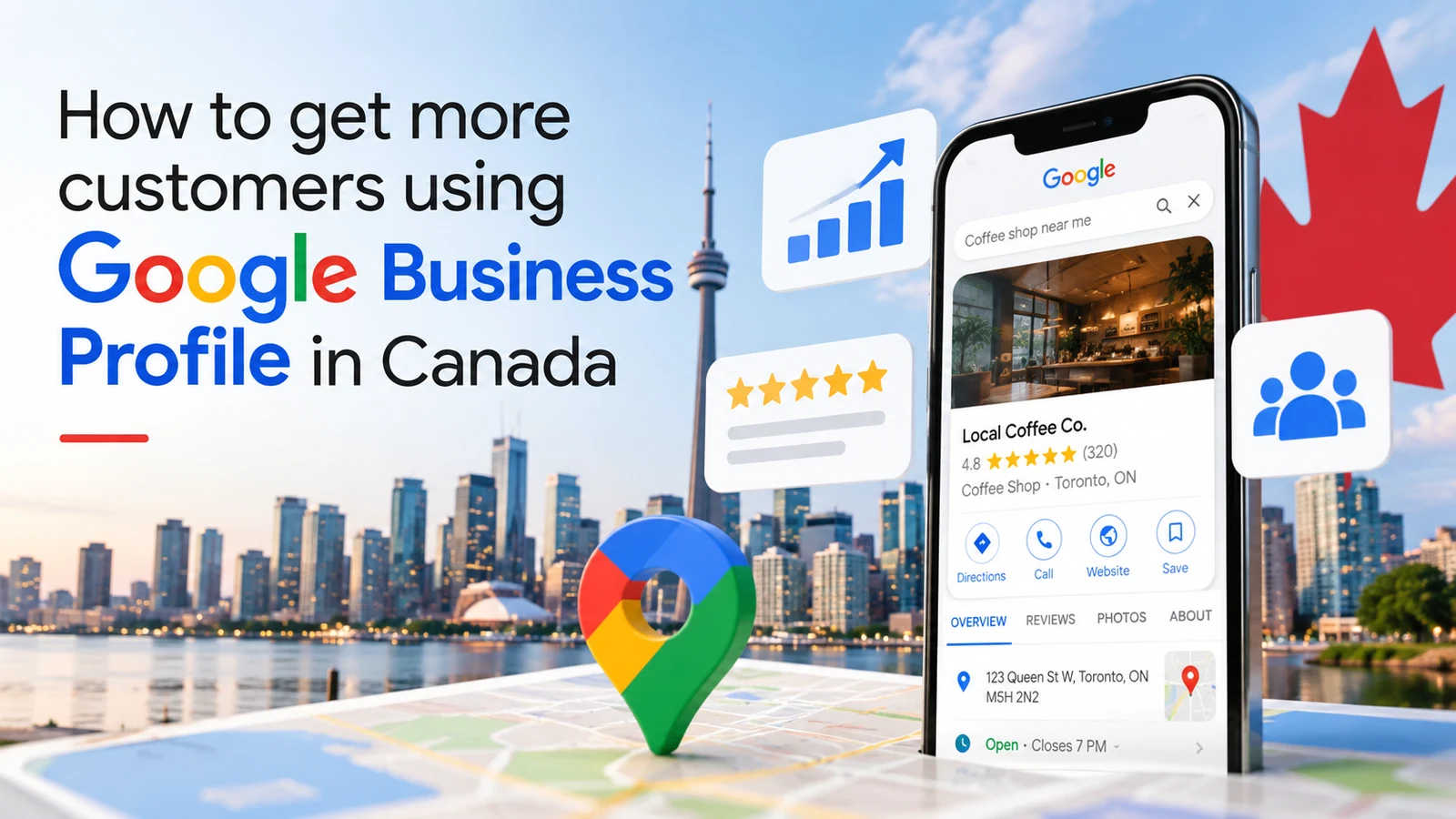
Key takeaways
- Google Business Profile optimization is the fastest, free way for a Canadian local business to show up on Google Search and Google Maps.
- Google ranks local results on relevance, distance and prominence. You can influence relevance and prominence directly.
- Complete, accurate details, the right categories, regular photos and posts, and replies to every review are what make the difference.
- Canadian businesses should plan for statutory holiday hours, French where customers expect it, and service-area settings for trades.
When someone in Canada needs a plumber, a dentist, a restaurant or a hardware store, they usually start on Google. With 38.2 million Canadians online, 95.1% of the population, the first place most customers meet your business is not your front door. It is your Google Business Profile on Google Search and Google Maps.
This 2026 guide explains how Google Business Profile optimization works, what actually affects your Google Maps ranking, and the practical steps that turn local searches into calls, visits and bookings.
What is Google Business Profile optimization?
Google Business Profile is Google’s free listing for local businesses. It shows your name, location or service area, hours, phone number, website, photos, reviews and updates when people search for you or for what you sell.
Google Business Profile optimization means making that listing complete, accurate and active, so Google can show it for the right local searches and customers choose you once they see it. It is the core of local SEO in Canada, and it costs nothing but time.
How Google decides who shows up in local search
Google says local results are based mainly on three things:
| Factor | What it means | What you can do |
|---|---|---|
| Relevance | How well your profile matches the search | Choose the right categories, complete every field, describe your services clearly |
| Distance | How far you are from the person searching | Keep your address or service area accurate |
| Prominence | How well known and trusted your business is | Earn reviews, reply to them, add photos, stay active, build a strong website |
You cannot move your shop closer to every customer, but relevance and prominence are in your hands. Google also states that there is no way to request or pay for a better local ranking, so be wary of anyone who promises one.
Step-by-step Google Business Profile optimization
- Claim and verify your profile. Search for your business on Google or Google Maps, claim it, and complete verification so you control what it says.
- Use your real business name. Google’s guidelines say your name should reflect your real-world name. Do not add keywords, cities or taglines.
- Choose the right business categories. Pick the primary category that best describes your core business, then add only the few extra categories that genuinely apply.
- Complete every detail. Address or service area, phone, website, opening hours, attributes, and a clear description of what you do and who you serve.
- Add your products and services. List them with plain descriptions, so your profile matches what people actually search for.
- Upload real photos and short videos. Your premises, your team, your work and your products. Add new ones regularly.
- Ask for reviews and reply to every one. Make asking part of your routine after every job or visit, and reply to good and bad reviews alike.
- Post updates every week. News, offers, events and new services keep your profile current.
Google Business Profile tips for Canadian businesses
Some details matter more in Canada than in generic guides:
- Set holiday hours ahead of time. Statutory holidays differ by province, and Thanksgiving and Boxing Day hours often catch businesses out. Set special hours in advance so customers do not arrive to a locked door.
- Speak your customers’ language. If you serve Quebec or bilingual communities, make sure customers can understand your description, services and posts in French as well as English.
- Service-area businesses: hide your address. Trades and mobile services should hide a home address and list the cities or regions they serve, as Google’s guidelines ask.
- One profile per location. Each real location with its own staff and hours gets its own profile. Do not create profiles for places you do not operate.
- Keep your details consistent everywhere. Use the same name, address and phone number on your website and on directories such as Yelp and Yellow Pages, so Google and customers see one consistent business.
How to improve your Google Maps ranking over time
Once the basics are right, prominence is what moves you up. The businesses that do best in local search tend to have:
- A steady flow of new Google reviews, not a burst followed by silence
- Replies to every review, written by a person, not a template
- Fresh photos and posts every week
- A fast, mobile-friendly website that matches the profile’s details
- Links and mentions from local organisations, news sites and directories
Turn profile views into customers
Visibility is only half the job. Your profile should make the next step obvious:
- Add a booking or ordering link where Google offers one
- Make sure your phone number is answered, or calls go to an answering service
- Use photos that show what customers will actually get
- Keep your description focused on outcomes for the customer
- SearchSomeone looks for what you sell nearby
- ProfileComplete, active and well reviewed
- TrustPhotos, replies and recent posts
- ActionCall, directions, booking or visit
Measure what your profile brings in
Your Google Business Profile shows how people find you and what they do next, including calls, website clicks and direction requests. Check it every month, compare it with the month before, and note what you changed. That simple habit shows which actions grow your local presence.
For the habits that hold profiles back, read our article on 5 Google Business Profile mistakes that could be costing you customers.
Your Google Business Profile optimization checklist
- Profile claimed and verified
- Real business name, no added keywords
- Primary category and only relevant extra categories
- Address or service area, phone, website and hours complete
- Holiday hours set for the year ahead
- Products and services listed with descriptions
- At least ten recent photos, plus new ones every month
- Every review replied to
- One post published every week
- Monthly check of calls, clicks and direction requests
Final thoughts
For most Canadian local businesses, Google Business Profile optimization is the highest-return marketing task there is: it is free, customers see it first, and every improvement keeps working. Get the details right, stay active, and treat every review as a conversation with your next customer.
If you would rather hand it over, our team looks after Google Business Profiles as part of TRIGGERICON for small businesses, alongside local SEO and websites.
Sources
- Digital 2026: Canada, DataReportal
- How to improve your local ranking on Google, Google Business Profile Help
- Guidelines for representing your business on Google, Google Business Profile Help
Questions and answers
Is Google Business Profile free in Canada?
Yes. Creating and managing a Google Business Profile is free. You only pay if you choose to run Google Ads alongside it.
How long does it take to rank on Google Maps?
There is no fixed timeline. Changes to your details usually show within days, but building prominence through reviews, photos and activity takes months of steady work. Google states there is no way to pay for a better local ranking.
Can I add keywords to my business name to rank higher?
No. Google’s guidelines say your name should reflect your real-world business name, and unnecessary information such as taglines is not permitted. Adding keywords can get your profile suspended.
Do I need a storefront to have a Google Business Profile?
No. Service-area businesses, such as plumbers or cleaners who visit customers, can have a profile. Google asks them to hide their address and set the areas they serve instead.
What is the difference between Google Business Profile and local SEO?
Local SEO is everything that helps you appear in local search results, including your website, reviews and listings on other sites. Your Google Business Profile is the most important single part of it.
TopicsSEO and AI searchReviews
Ready to find your growth trigger?.
Tell us where you want to grow. We will map the fastest route there.
Keep reading
 TRIGGERICONGuide
5 Google Business Profile mistakes that could be costing you customers
Setting up your profile is only the start. Avoid these 5 Google Business Profile mistakes and keep your profile active, accurate and trusted in minutes a day.6 min read TRIGGERICONComparison
SEO vs Google Ads: which one should your business invest in first?
SEO vs Google Ads: compare cost, speed and long-term value, see when each makes sense first, and build a digital marketing strategy that uses both to grow.5 min read TRIGGERICONHow-to